





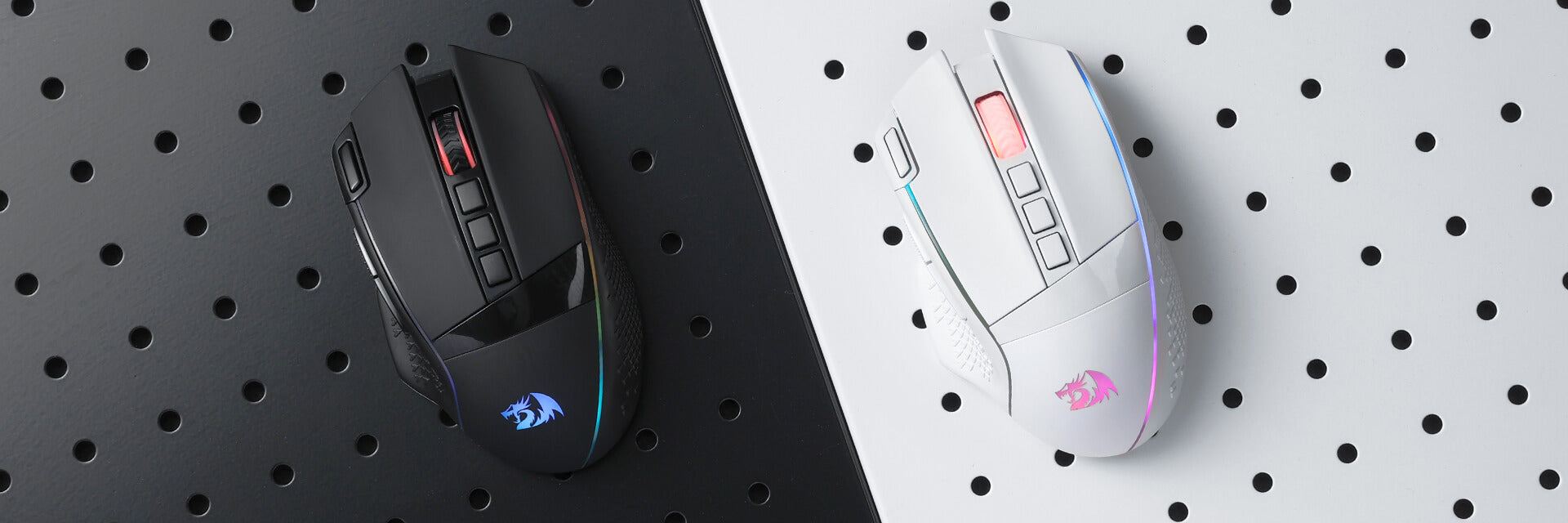


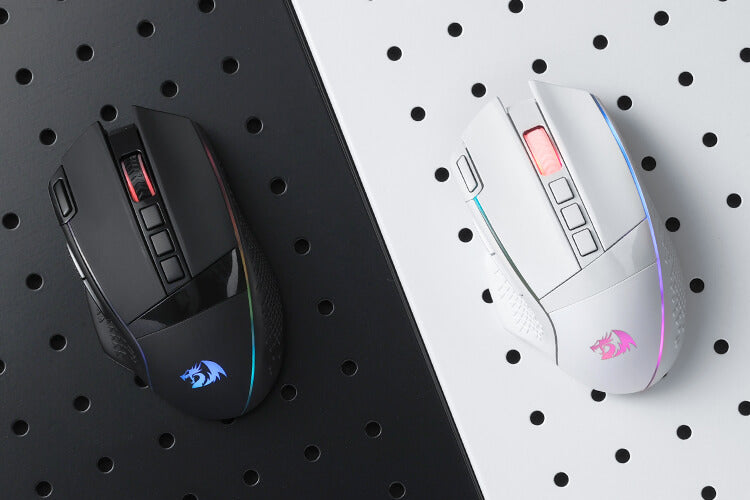

Redragon M991 Kabellose Gaming-Maus
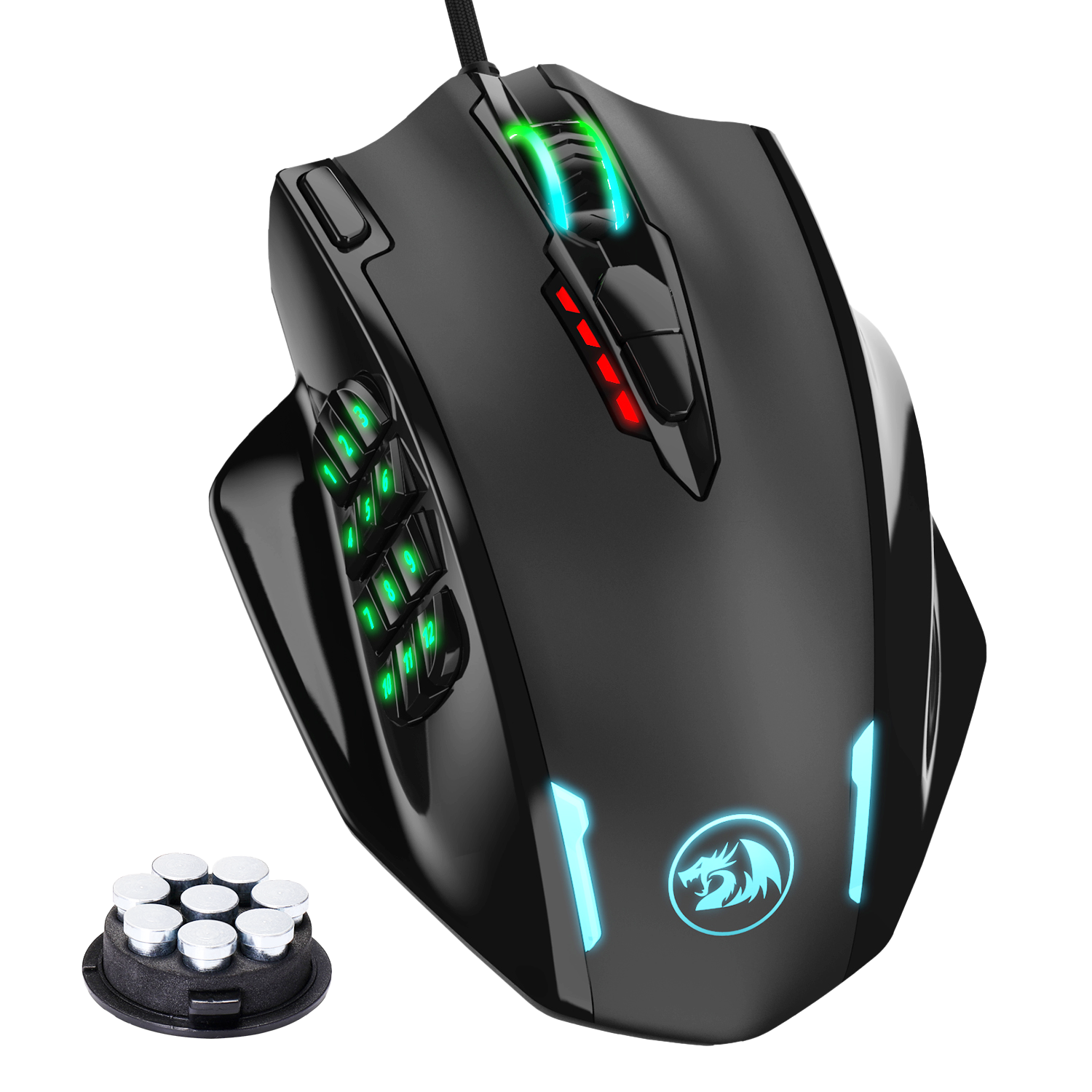
Kabel beeinträchtigen Ihre detaillierte Reaktion im Kampf erheblich. Die kabellose Gaming-Maus Redragon M991 mit 2,4-GHz-Nano-Empfänger bietet Ihnen das reinste Mausbewegungserlebnis und sorgt für erneuten Aufschwung Ihres KDA.
Acme, einstellbare DPI bis 19.000
Ausgestattet mit 5 integrierten DPI-Stufen (1000/2000/4000/8000/19000), die es ermöglichen, Ihre Mausbewegungen punktgenau zu registrieren. 5 DPI-Stufen können mithilfe der Software frei selbst festgelegt werden, sodass Spieler im Spiel schnell wechseln können.


Einfache Tastenkombination mit Makro
Alle 9 programmierbaren Tasten sind mit anpassbaren taktischen Tastenkombinationen für jedes Spiel oder jede Arbeit, die Sie gerade ausführen, editierbar. 1 Schnellfeuertaste + 2 seitliche Makrotasten bieten Ihnen ein besseres Spiel- und Arbeitserlebnis.
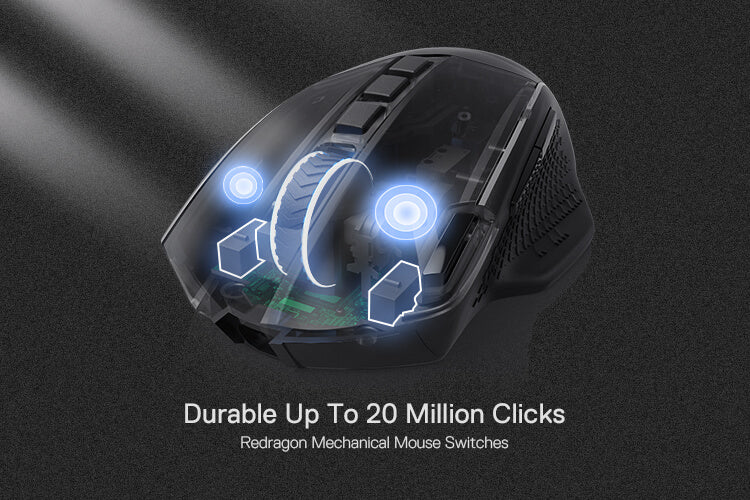
Ultra langlebiger Kern
Ausgestattet mit dem optischen Pixart-Sensor PAW3370 wird der Verbrauch der Maus durch eine Abfragerate von 1000 Hz im Dualmodus weiter optimiert. Der wiederaufladbare 1000-mAh-Akku sorgt dafür, dass die Maus maximal bis zu 45 Stunden lang funktioniert (Eco-Modus).
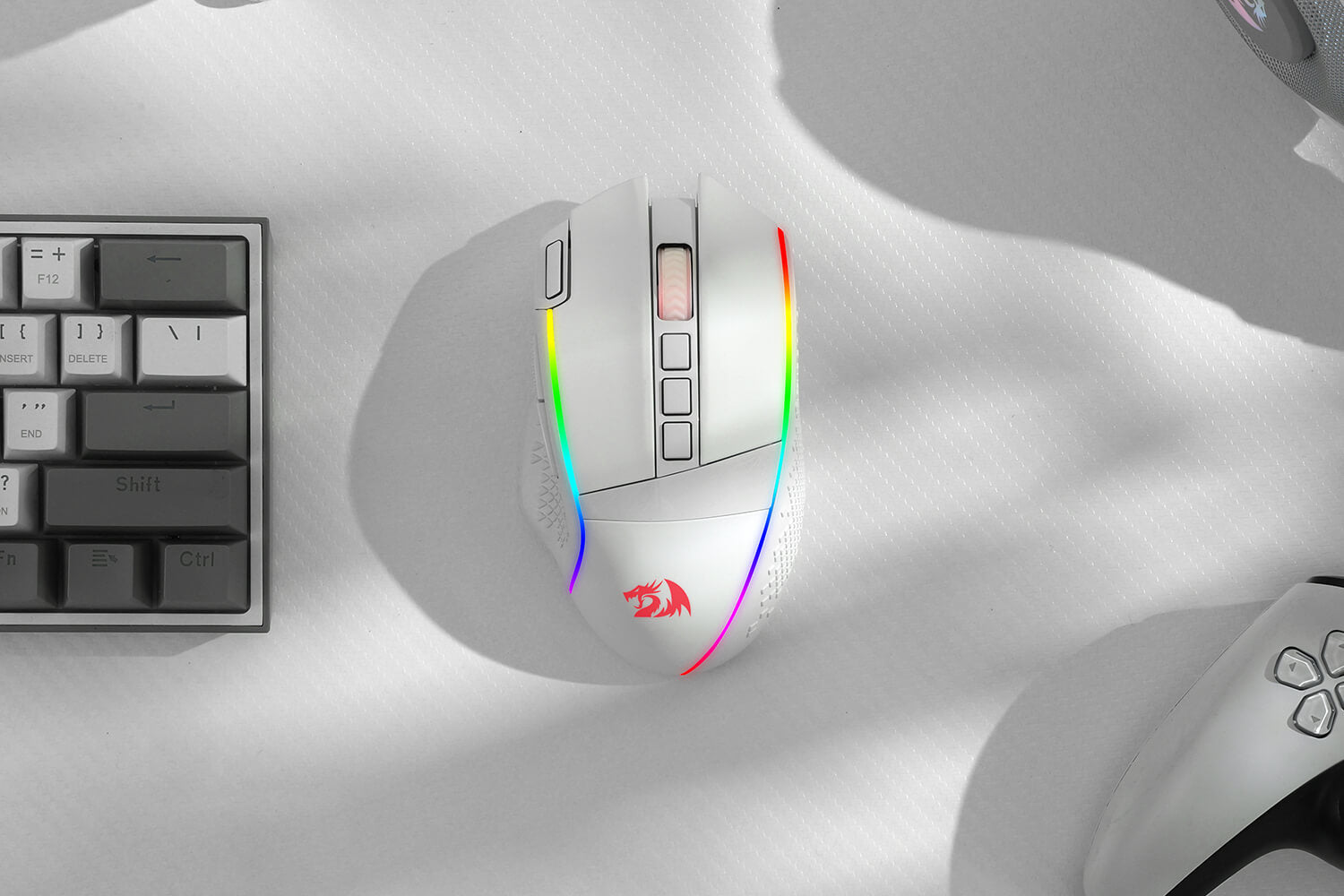
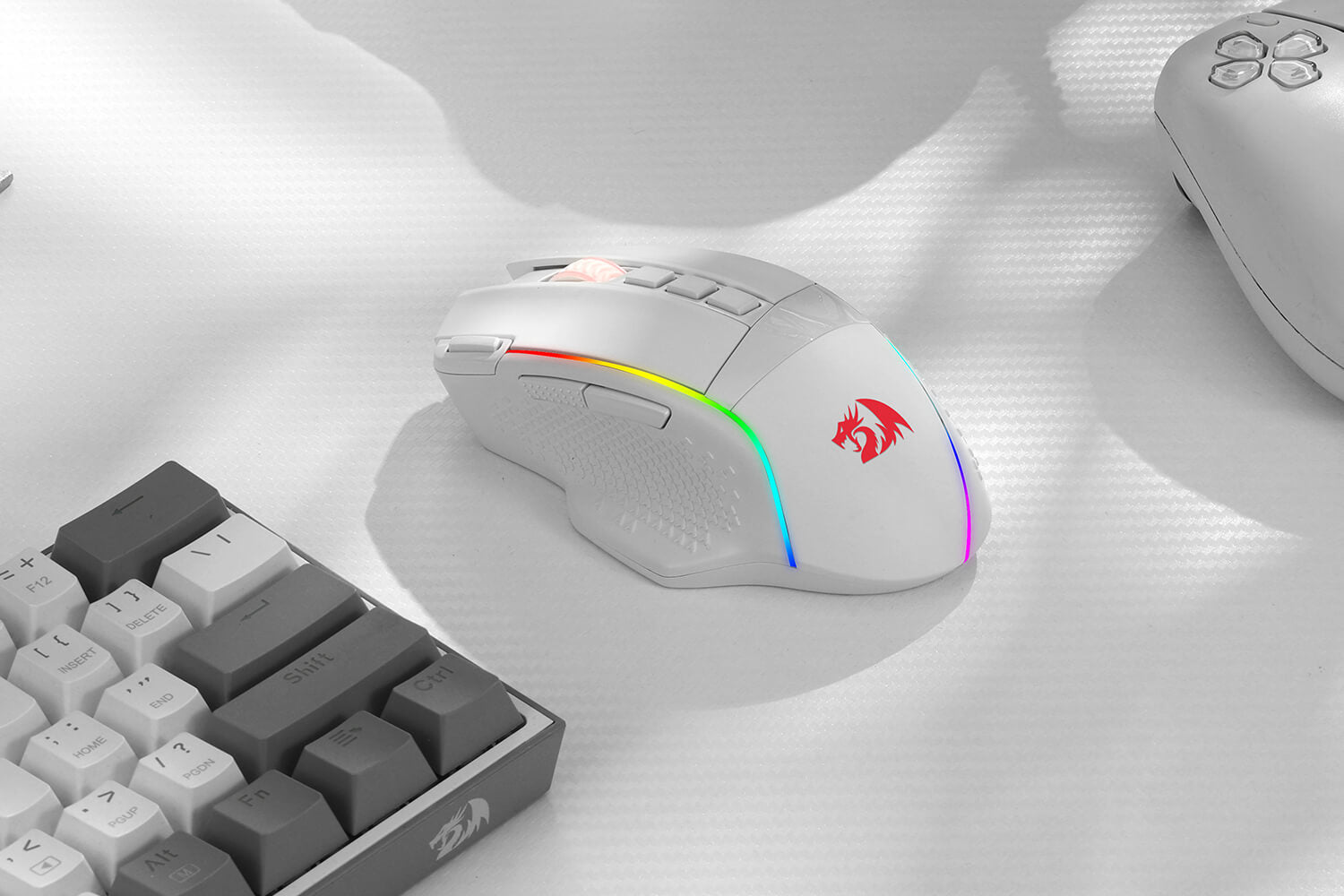
Einstellbare Echtfarben
Mit dem Redragon Pro-Treiber können Sie endlose DIY-Stile wie dynamisches Streaming, Atmen und Winken gestalten. Das Spiel ist eng mit verschiedenen Beleuchtungsmodi verknüpft und verleiht Ihrem Raum eine wettbewerbsorientierte Atmosphäre.

Reviews
I bought this Mouse on May 2024. i use this mouse for Work, sometimes from the Office, From Home and even from Outdoor Site. because im using this Mouse Outdoor, This mouse has been through a lot of Fall, throw and even Stepped on. This thing DONT EVEN BREAK AT ALL (well, the RBG already giving up, but who cares anyway) and all of the Button is still Working Properly without a Miss. its the best Investment for me and i think its the THINKPAD of Mouse
ill buy this Mouse again if mine finally gave up.
ps: pls add the Silent Click Variant too
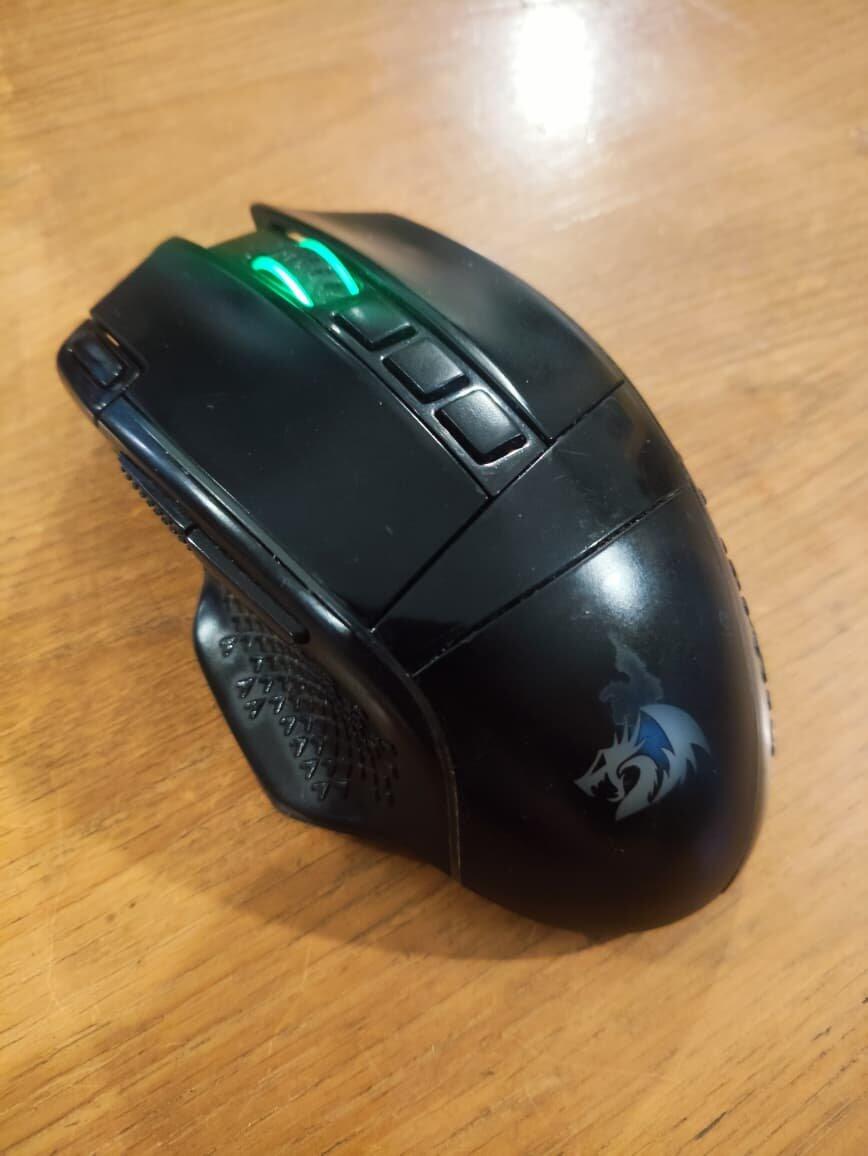
I love This mouse, and the tri connectivity is perfect

Awesome item would reccomend buying great in hand feel
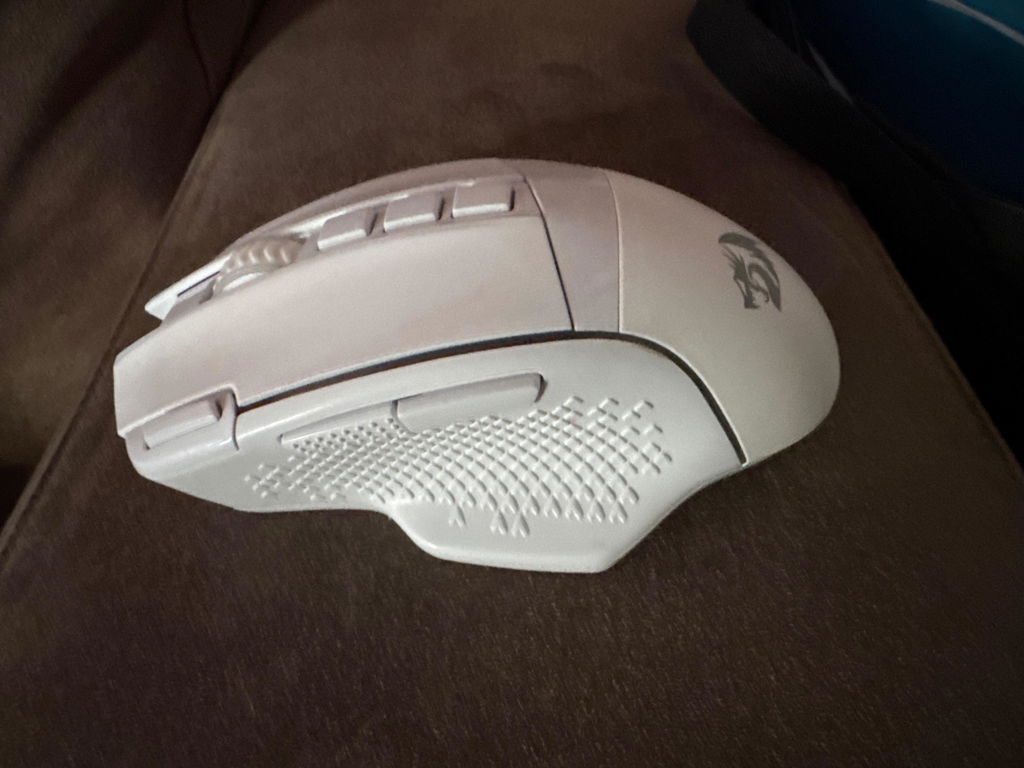
this is one of my favorite versions
sturdy and reliable worth your money
We'll start with problems first (as I am selfish, and want this again, but better), but the good sides are much greater.
I've been using this mouse for a little over 4 years, and it's still very much intact. The only issues after this period are battery life from heavy usage, and the middle click sometimes doubling due to dirt and grime, which has only been recent. Both primary buttons, however, haven't seen even a hint of a problem, and I play idle clicker games. No mush or double-clicking, and I've had more expensive mice give out on those significantly more quickly. I also must point out that you will need a slimmer casing for any alternative USB-C cable if you need to plug it in or charge it, as the design of the mouse blocks thicker/square shaped casing around the actual cable plug. The only other critique I have is the sidewall texture, which is a personal dislike, as I hate the feel of slim and rough surfaces, or a sort of "window screen" texture. I'd like it if the material was a bit more soft and rubbery.
The positives are far greater. It's lasted significantly longer than any high-performance mouse I've ever owned in terms of button reliability, battery life, and build quality. The battery used to last quite a long while (around 60 hours before needing a charge by my reckoning, and that's from years ago), but I've used it quite frequently now. It can be programmed in many ways to what you need it to be, and DPI can be changed on the fly. It's perfect for my hand size, has the right weight off the bat for what I need, which can still be adjusted, and isn't cluttered with a bunch of buttons I'd likely press on accident in normal daily use. It's just the right amount of what I both want and need, with only some minor things that I would like to see adjusted.
The default "rapid fire" button has a use that I didn't even consider. I never find much use of it in gaming, but when going over and editing any text document or code, the ability to push a single button for selecting an entire line has saved me some frustration with how getting the timing right manually can sometimes be a pain. It's also good for setting a quick common macro set for the niche moments you'd need one.
I'm quite likely going to buy a new one soon, and keep the old one as a backup. That is, unless they make something like this, but even better.
GAMING MICE COMPARISON
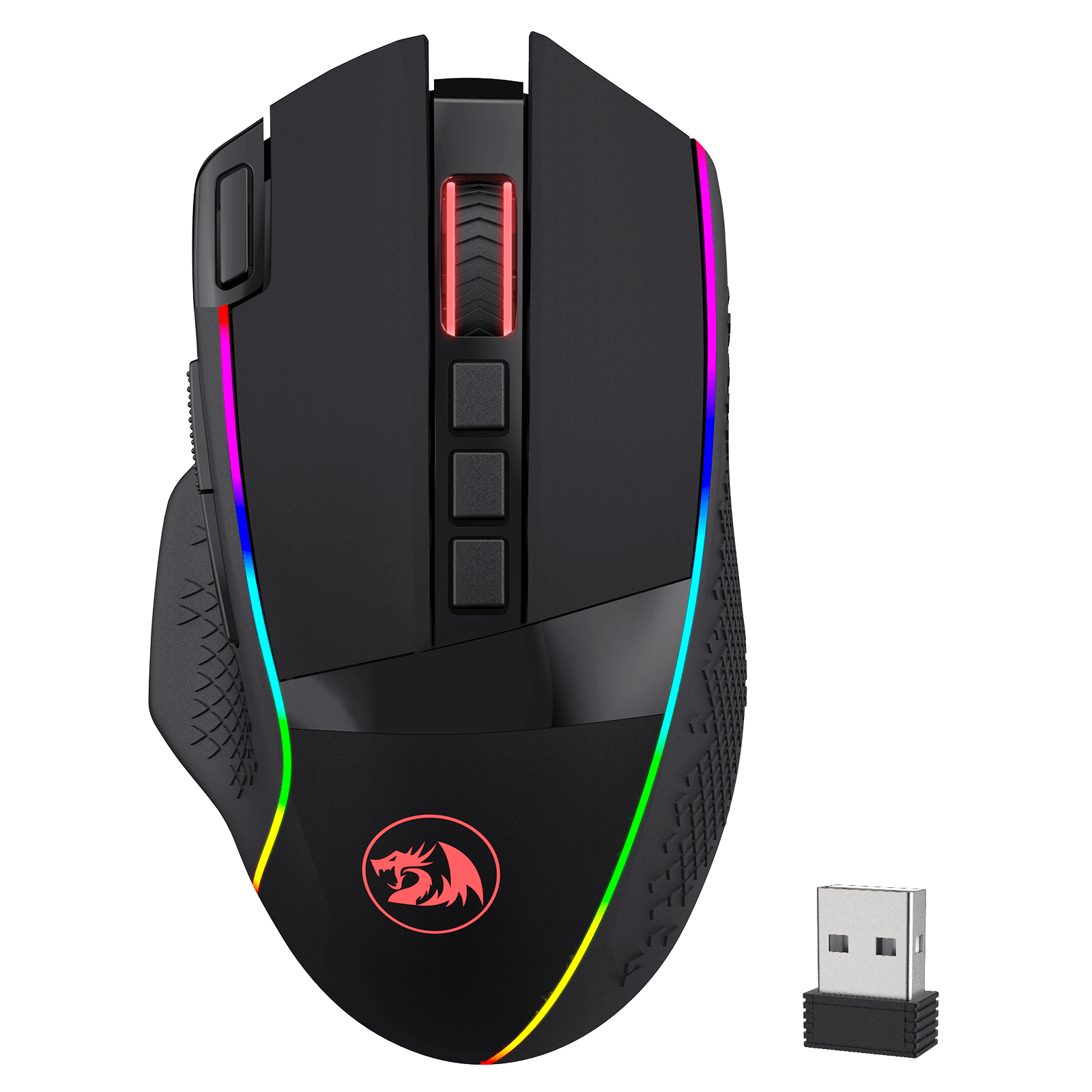


Sie könnten interessiert sein


DRACONIC K530 PRO WHITE (braune Schalter)


H510 ZEUS WEISS & ROSA


EISA K686 PRO SE Anime-Tastatur


ORPHEUS GS550


